Portable Document Format (PDF) files have long been our go-to choice for sharing, preserving, and printing content thanks to their fixed layout, cross-platform compatibility, and security features. However, while PDFs offer great utility, ensuring they are fully accessible to all readers can present challenges.
In this hands-on workshop, you will learn practical strategies and tips for creating accessible PDF documents. Together, we will explore and practice using three key campus tools: Adobe Acrobat Pro, SensusAccess, and YuJa Panorama (in CatCourses). You are encouraged to bring your laptop. 💻
This is the 2nd in an 8-part series on accessibility topics. Attending a prior workshop in the series is not required. Details of the workshop series can be found in the 2026-2027 Accessibility Workshop Series guide and on the Library's Upcoming Events Calendar. RSVPs are required.
Light refreshments will be provided. 🥤We also encourage you to bring your own lunch. 🥪
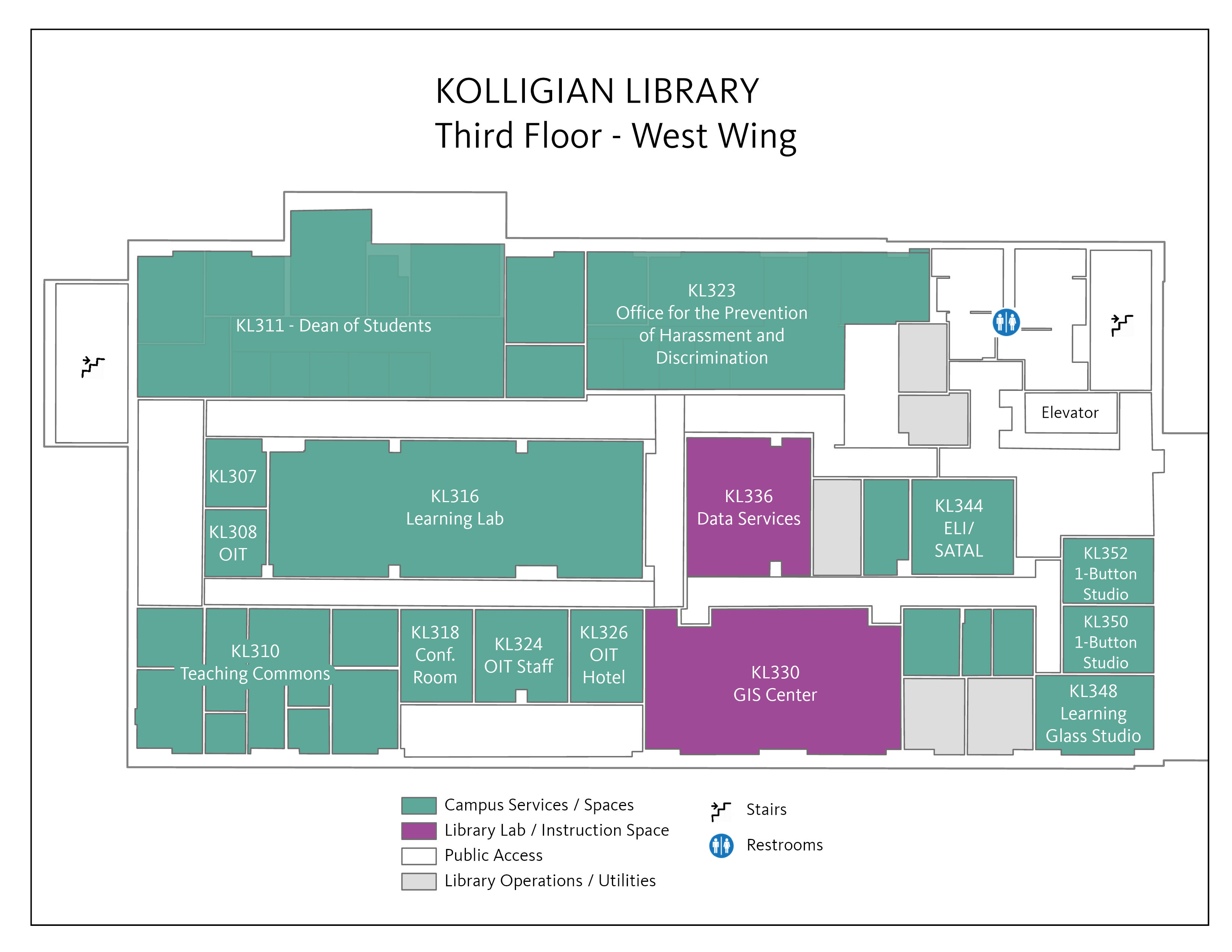
Location: KL 316, Teaching Commons Workshop Space (aka Learning Lab)
Related LibGuide: 2026-2027 Accessibility Workshop Series by Bronwen Maxson Strubbe


Copyright @ The Regents of the University of California. All rights reserved.